
I Added 50+ NEW Settings to Winhance — Full Walkthrough!
Winhance Release 24 adds over 50 new settings across Optimizations and Customize, makes system restore optional on first launch, and introduces a new badge system so you can see at…
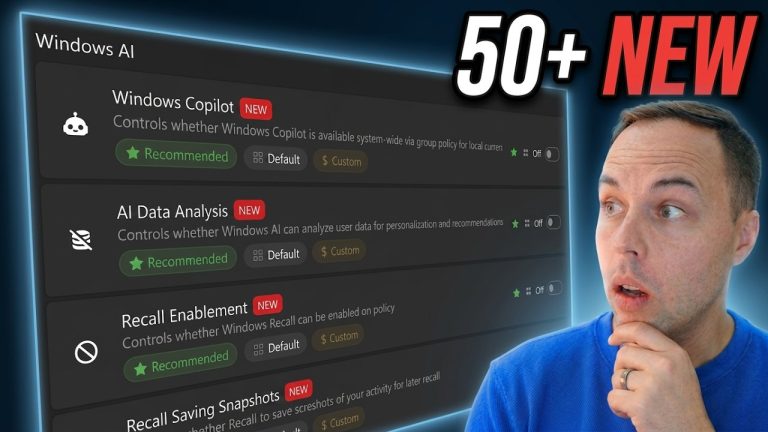
Winhance Release 24 adds over 50 new settings across Optimizations and Customize, makes system restore optional on first launch, and introduces a new badge system so you can see at…
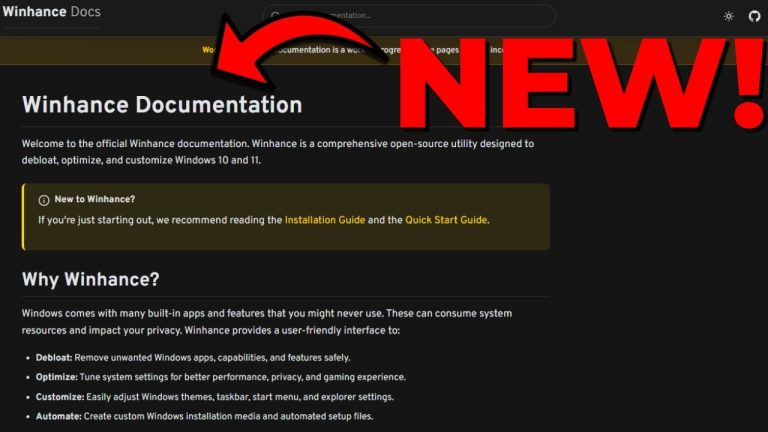
The first version of the official Winhance documentation is now live at winhance.net/docs. It covers every feature in the app, lists the exact registry paths and power-config commands each setting…

When Windows setup skips the edition selection screen, it’s because an OEM license key embedded in your BIOS is automatically selecting the edition. To get the edition selection screen back,…
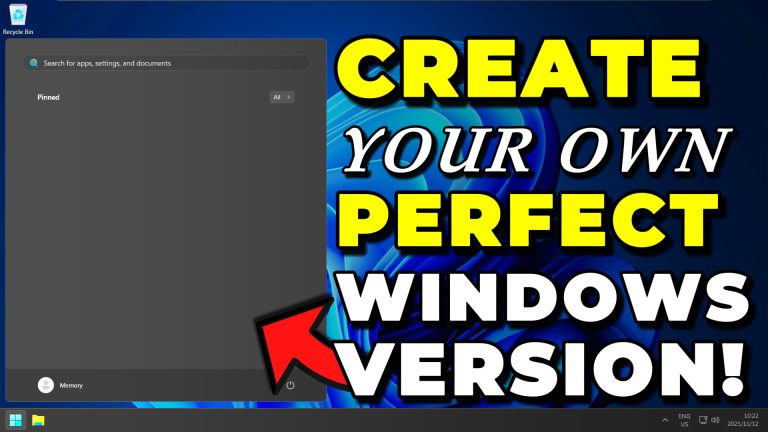
An answer file (autounattend.xml) sits on the root of your Windows install USB and tells Setup how to configure Windows before you ever hit the desktop — no Microsoft account…

Winhance v25.05.22 adds digital code signing to both the application and installer, clearer toggle states (green check for enabled, red X for disabled), an HPET toggle for gaming performance, new…

Winhance Release #5 (version 25.05.05) added in-app version notifications, a fully resizable window, fixes for app installs that were stuck at 66% or 78%, and improved Windows Explorer restart handling….

Winhance is a free, open-source Windows Enhancement Utility that removes bloatware, disables telemetry, optimizes performance, and customizes Windows 10 and 11 — all from a single application. Download it from…

To do a clean Windows 11 install with WIMUtil and UnattendedWinstall, download the Windows 11 ISO, load it into WIMUtil, use the Download UW button to embed the latest UnattendedWinstall…

WIMUtil (Windows Installation Media Utility) is a tool I built to simplify creating custom Windows installation media. It automates adding answer files like UnattendedWinstall, extracting system drivers, and building bootable…

UnattendedWinstall is a free, open-source answer file that automates the debloating and optimization of Windows during installation. Download the autounattend.xml from the UnattendedWinstall GitHub page, add it to your Windows…