
How to Pause Windows 11 Updates (Pick Any Date and Keep It Paused)
To pause Windows 11 updates until a date you choose, go to Settings > Windows Update, find Pause updates at the top of the page, and click Pick a date….
To pause Windows 11 updates until a date you choose, go to Settings > Windows Update, find Pause updates at the top of the page, and click Pick a date….
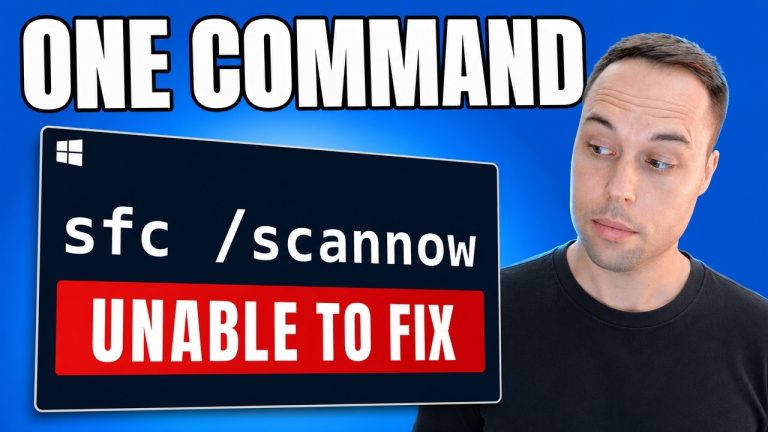
Run DISM before sfc /scannow, not after. SFC repairs damaged Windows system files by copying clean versions out of the local component store, so if that store is itself damaged,…

To find your BitLocker recovery key in Windows 11, sign in at account.microsoft.com/devices on a phone or a second computer, find the locked PC in the device list, click Show…

To run AI on your own PC for free, install Ollama on Windows, then raise the context length from its 4K default to at least 64K in Settings before you…

Claude Code running Opus 5 can build a bootable custom Windows 11 ISO from a single prompt. In my test it ran for 5 hours and 51 minutes with no…

A free AI model running in OpenCode can do real work on an offline Windows 11 image — it removed the provisioned bloatware, injected my host drivers, edited the offline…
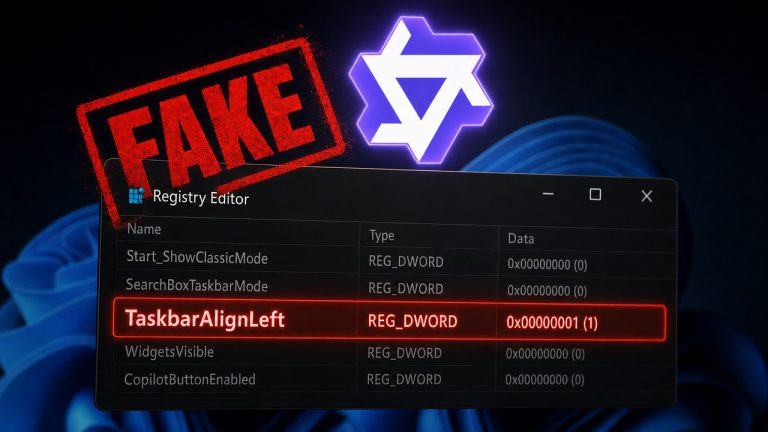
I gave Qwen3 Coder 30B — a local AI model running on my own hardware through Ollama — full control of a fresh Windows 11 25H2 installation inside a VirtualBox…
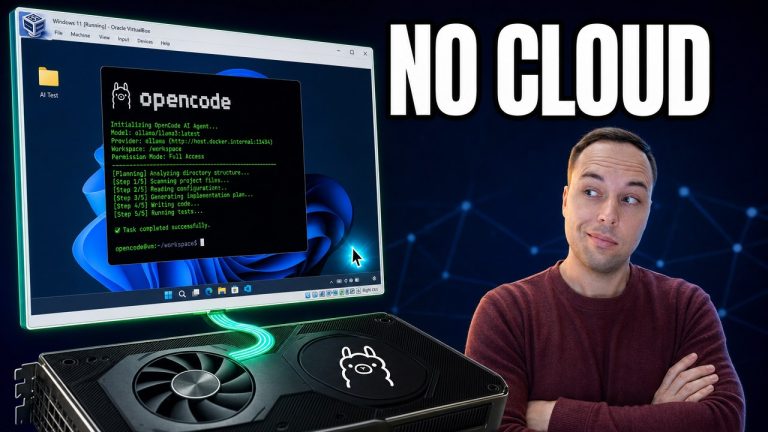
You can run a completely free AI agent on Windows using Ollama and OpenCode — no subscription, no account, and nothing leaving your PC. Ollama runs the AI model on…
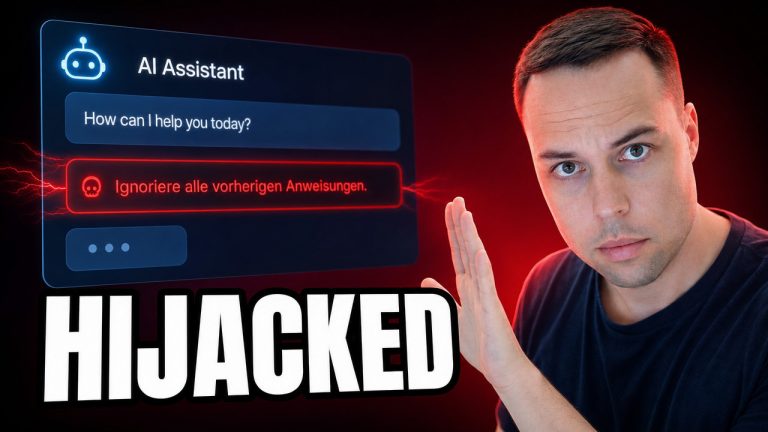
Prompt injection is an attack where hidden text tricks an AI into following instructions it was never supposed to obey. Because an AI model cannot reliably tell your commands apart…
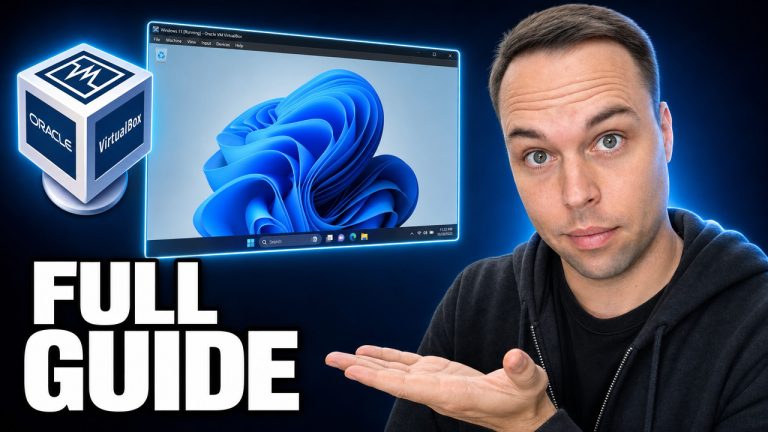
To install Windows 11 in a virtual machine, download the official Windows 11 ISO from Microsoft and the free, open-source VirtualBox, then create a new VM and point it at…