
How to Fix Bluetooth Issues on Windows 10/11 (2026 Guide)
To fix Bluetooth issues on Windows 10 or 11, start by confirming the Bluetooth driver is installed in Device Manager, then update or reinstall it using Snappy Driver Installer Origin….

To fix Bluetooth issues on Windows 10 or 11, start by confirming the Bluetooth driver is installed in Device Manager, then update or reinstall it using Snappy Driver Installer Origin….
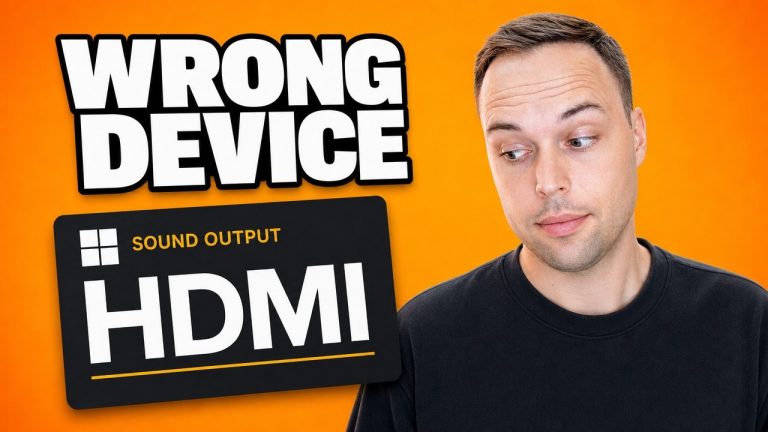
If sound has stopped working on Windows 11, the cause is usually not your drivers. Open Settings > System > Sound and check which device is selected under Output —…

To fix a corrupted Recycle Bin on Windows 10 or 11, open Command Prompt as administrator and run rd /s /q C:\$Recycle.Bin, replacing C with the drive letter of the…

To remove malware and viruses from Windows 10 or Windows 11, run three free scanners in sequence: Norton Power Eraser for stubborn rootkits, Malwarebytes AdwCleaner for adware and browser hijackers,…

To remove McAfee software from a Windows PC, open Control Panel > Programs and Features, select any McAfee entry, and click Uninstall. For a complete cleanup that removes leftover files…

To upgrade from Windows 8 or 8.1 to Windows 10 in 2026, download the official Windows 10 22H2 ISO, mount it in File Explorer (Windows 8.1 supports native ISO mounting),…

To install Service Pack 1 on Windows 7, download the standalone installer (KB976932) from the Microsoft Update Catalog, select the correct version for your system type (x64 or x86), right-click…

To open Internet Explorer without Microsoft Edge redirecting you, save a one-line VBScript file called Internet Explorer.vbs containing CreateObject(“InternetExplorer.Application”).Visible=true, then double-click it. The script calls the legacy InternetExplorer.Application COM object,…

To open EPUB files on Windows 10 or Windows 11, install the free Sumatra PDF, then double-click any .epub file — or right-click the file → Properties → Change under…

These are the 15 free Windows utilities I still keep installed on every bench machine in my repair shop — covering debloating, tweaks, productivity, privacy, recovery, and diagnostics. Every tool…