
PC or Laptop Won’t Turn On? Drain the Residual Power First (1 Minute Fix)
If your PC or laptop is doing something that makes no sense, drain the residual power before you try anything else. Shut the machine down completely, unplug the power cable…
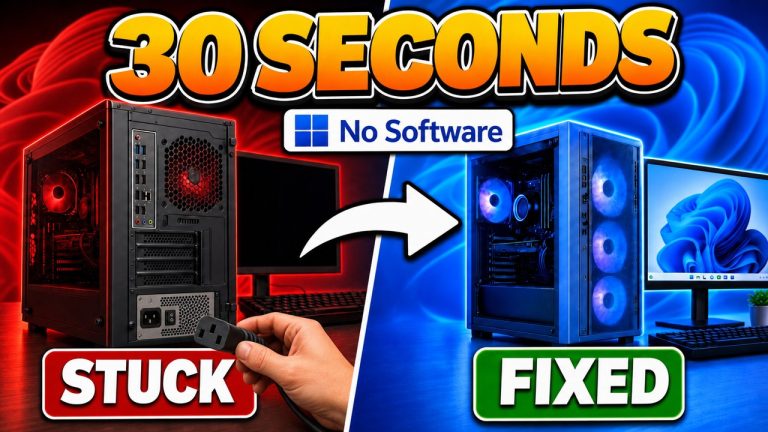
If your PC or laptop is doing something that makes no sense, drain the residual power before you try anything else. Shut the machine down completely, unplug the power cable…
If File Explorer is not responding in Windows 11, press Ctrl + Shift + Esc to open Task Manager, find Windows Explorer on the Processes tab, right-click it and choose…

Handy is free, open source dictation software that turns your speech into text completely offline on Windows, macOS and Linux. Install it from handy.computer, download one speech model (I use…
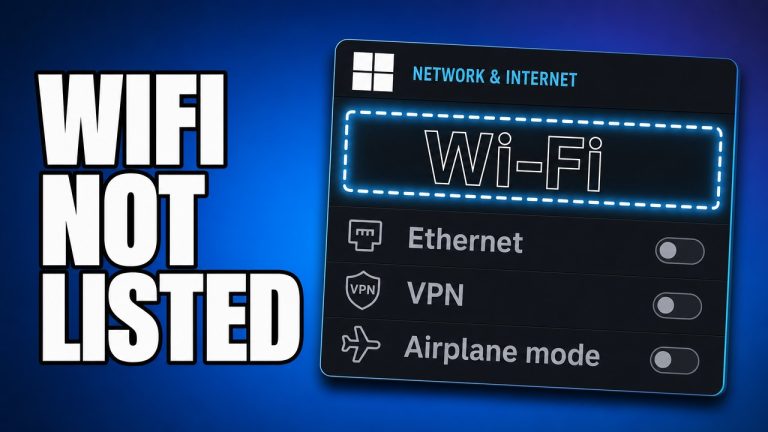
If Wi-Fi is not showing on your Windows 11 PC, check Airplane mode and your laptop’s Wi-Fi key first, then shut the machine down completely, unplug it, and hold the…
Most Windows 11 update errors come down to a broken download or damaged system files, so the error code matters far less than the order you work in. Restart properly,…

If your internet is slow on Windows 11, test the connection on your phone over the same Wi-Fi first. If the phone is slow too, the problem is your router…

To pause Windows 11 updates until a date you choose, go to Settings > Windows Update, find Pause updates at the top of the page, and click Pick a date….

To run AI on your own PC for free, install Ollama on Windows, then raise the context length from its 4K default to at least 64K in Settings before you…
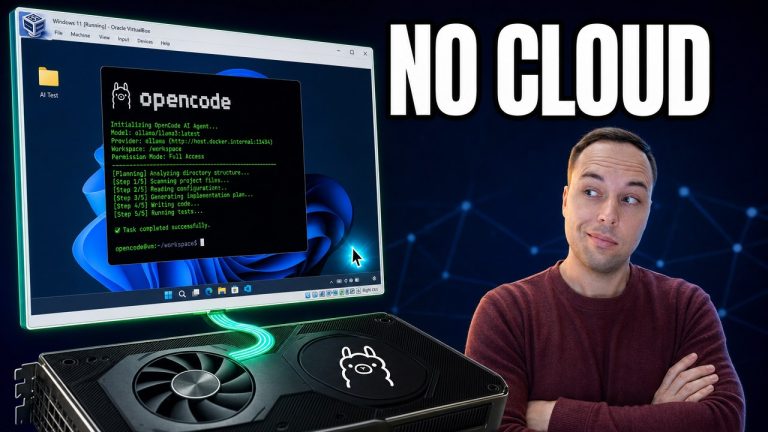
You can run a completely free AI agent on Windows using Ollama and OpenCode — no subscription, no account, and nothing leaving your PC. Ollama runs the AI model on…
To install Windows 11 in a virtual machine, download the official Windows 11 ISO from Microsoft and the free, open-source VirtualBox, then create a new VM and point it at…