How to Install Windows 11 Without USB Drive (Clean Install Method)
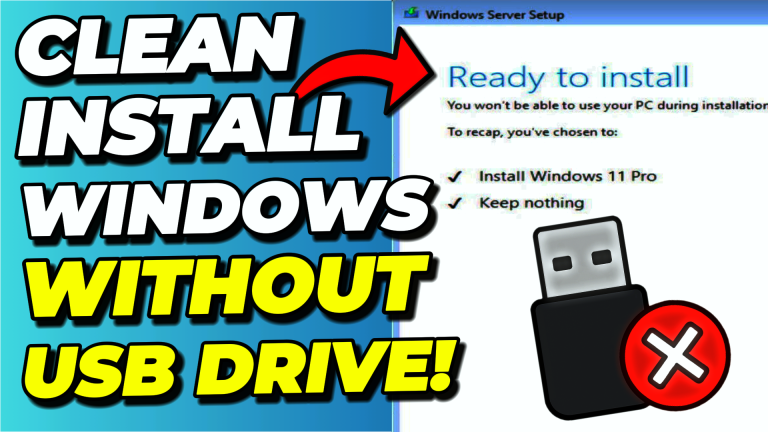
To do a clean install of Windows 11 without a USB drive, shrink your existing partition in Disk Management to create a 10 GB “Windows Installer Media” partition, copy the…
To download old Windows 10 or Windows 11 ISO files, use the Media Creation Tool wrapper by AveYo on GitHub. Running the MediaCreationTool.bat file lets you pick any previous Windows…
Microsoft now provides the Windows 11 ARM64 ISO as a direct download from its official ARM64 download page. Confirm the target PC uses an ARM-based CPU via Settings → System…
If you’ve recently set up a new Windows PC, you’ve likely encountered Microsoft’s increasingly aggressive push to sign in with a Microsoft account. While it might seem convenient to have…
Winhance is a free, open-source Windows Enhancement Utility that removes bloatware, disables telemetry, optimizes performance, and customizes Windows 10 and 11 — all from a single application. Download it from…
WIMUtil (Windows Installation Media Utility) is a tool I built to simplify creating custom Windows installation media. It automates adding answer files like UnattendedWinstall, extracting system drivers, and building bootable…
You can install Windows 11 24H2 on unsupported hardware using the Rufus clean install method or the CMD /product server bypass. I tested four popular bypass methods on 24H2, and…
UnattendedWinstall is a free, open-source answer file that automates the debloating and optimization of Windows during installation. Download the autounattend.xml from the UnattendedWinstall GitHub page, add it to your Windows…
To create your own unattended answer file for Windows 10 or 11, use the Schneegans Unattend Generator — a free online tool that lets you configure language, user accounts, privacy…
To reinstall Windows without losing your files, boot from a Windows USB, choose Custom: Install Windows only, and pick the existing Windows partition without formatting it. Windows Setup automatically moves…