How to Remove Shortcut Arrows on Windows 10/11 (2 Methods)
To remove the shortcut arrow from desktop icons on Windows 10 or Windows 11, either use WinAero Tweaker’s Shortcut Arrow setting (the easiest option, with a one-click “No arrow” toggle)…
To check your CPU temperature on Windows 10 or Windows 11, download the free HWiNFO portable ZIP from hwinfo.com, extract it, run HWiNFO64.exe, click Start, and then click the Sensors…
To enable virtualization on Windows 10 or Windows 11, boot into your motherboard’s BIOS/UEFI and turn on Intel VT-x / VT-d (Intel CPUs) or SVM Mode (AMD CPUs). Save, reboot,…
An in-place upgrade on Windows 10 reinstalls the operating system while keeping all your personal files, settings, and installed applications intact. I use this method to fix system corruption, resolve…
To install iTunes on Windows without the Microsoft Store, go to support.apple.com/en-us/docs/software/pl296, download the 64-bit iTunesSetup.exe (or the 32-bit build for older PCs), and run it. To update later, open…
To factory reset Windows 10 or Windows 11, go to Settings > System > Recovery (Windows 11) or Settings > Update & Security > Recovery (Windows 10), click Reset this…
To download the official Windows 10 ISO file, go to microsoft.com/software-download/windows10 and download the Media Creation Tool. Run it, select “Create installation media,” choose “ISO file,” and save it to…
To download the official Windows 11 ISO file, go to microsoft.com/software-download/windows11, scroll down to “Download Windows 11 Disk Image (ISO),” select “Windows 11 multi-edition ISO,” choose your language, and click…
To remove a forgotten Windows 10 or Windows 11 password without losing data, boot the locked PC from a USB stick running Hiren’s BootCD PE, open Start > All Programs…
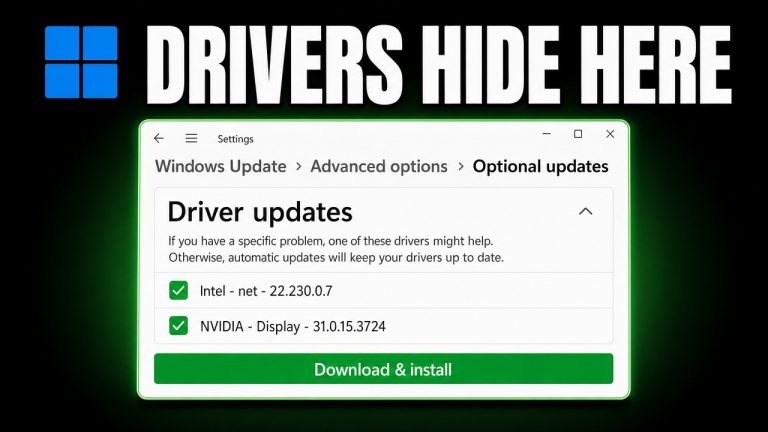
To install or update NVIDIA drivers on Windows 10 or 11, identify your GPU model in Task Manager under the Performance tab, download the matching driver from nvidia.com/drivers, run the…