
How to Enable Free Windows 10 Extended Security Updates (ESU)
To enable Windows 10 Extended Security Updates (ESU) for free, create a Microsoft account user on your PC, add two registry values under a new ConsumerESU key, then enroll through…
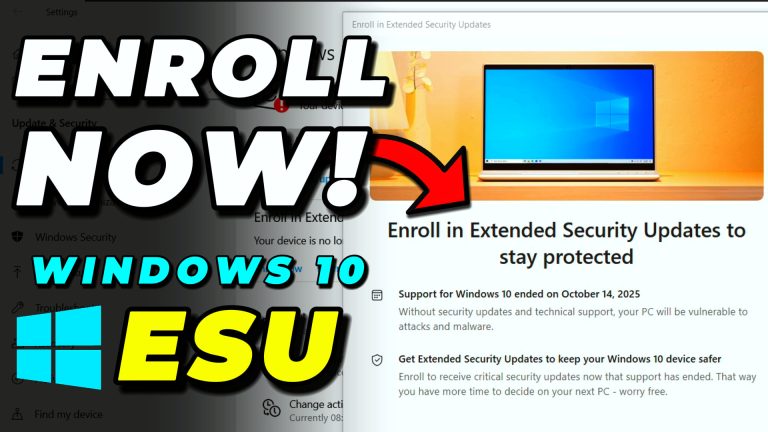
To enable Windows 10 Extended Security Updates (ESU) for free, create a Microsoft account user on your PC, add two registry values under a new ConsumerESU key, then enroll through…

To prevent forced BitLocker encryption during a Windows 11 24H2 clean install, press Shift + F10 during the out-of-box setup to open Command Prompt, then run this command to add…

ProtonVPN is the best free VPN for Windows 10 and 11. It offers unlimited data with no caps, strong encryption, and a strict no-logs policy. Download the app from protonvpn.com,…

To remove malware and viruses from Windows 10 or Windows 11, run three free scanners in sequence: Norton Power Eraser for stubborn rootkits, Malwarebytes AdwCleaner for adware and browser hijackers,…

To remove McAfee software from a Windows PC, open Control Panel > Programs and Features, select any McAfee entry, and click Uninstall. For a complete cleanup that removes leftover files…

Windows 10 and Windows 11 do not have a built-in “password-protect this folder” option, but there are three reliable ways to do it. Method 1 is a free batch-file trick…

The best free antivirus setup for Windows 10 and Windows 11 is the built-in Windows Security combined with on-demand scans from Malwarebytes Free, AdwCleaner, and Norton Power Eraser. Windows Security…