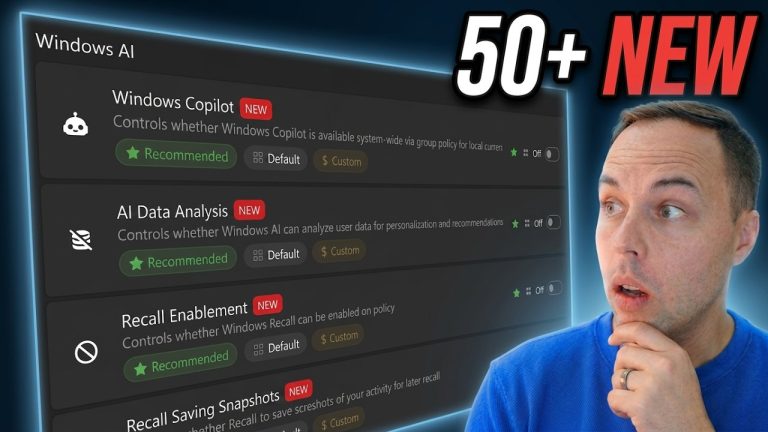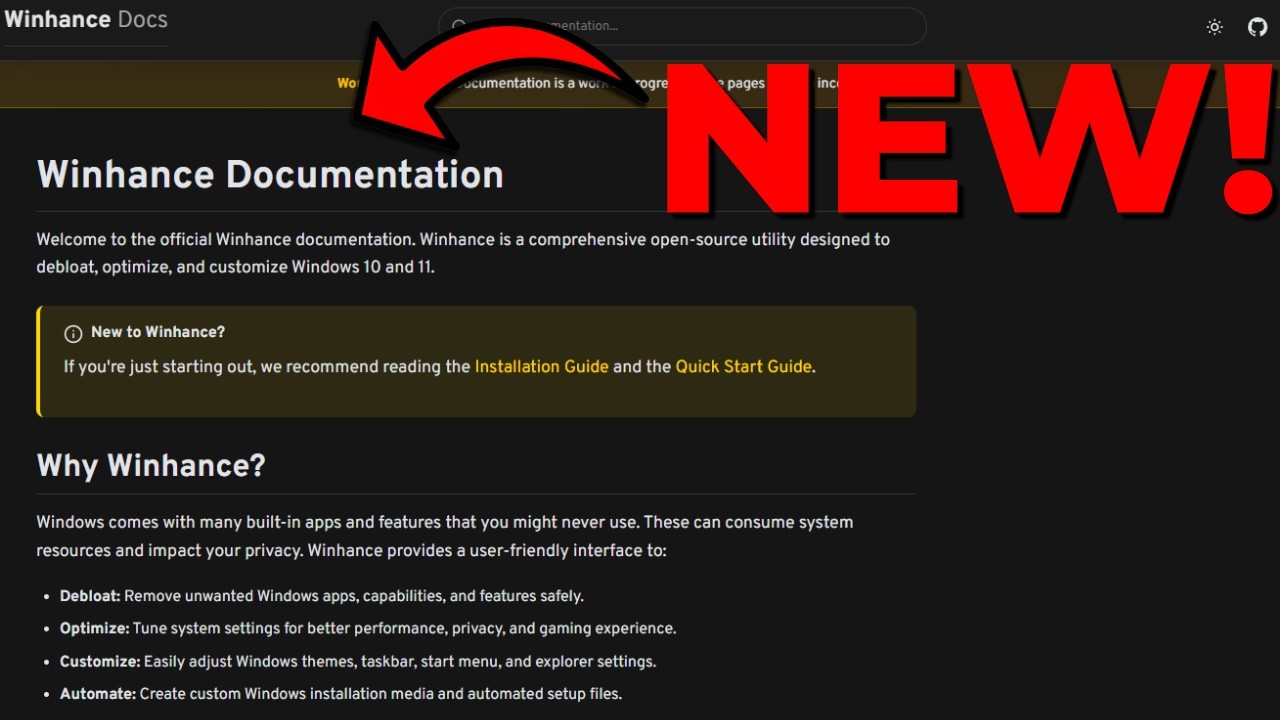
The first version of the official Winhance documentation is now live at winhance.net/docs. It covers every feature in the app, lists the exact registry paths and power-config commands each setting changes, and walks through the advanced tools (WIMUtil, the autounattend XML generator) with step-by-step guides for both beginners and power users.
Applies to: Winhance (all current versions) on Windows 10 and Windows 11 | Last updated: April 20, 2026
Key Takeaways
- The Winhance docs live at winhance.net/docs and cover installation, system requirements, every feature, and the advanced tools.
- Each setting’s documentation includes the exact registry keys, services, or power-config commands Winhance touches, so you can see what’s changing on your system before you toggle anything.
- Winhance has crossed 500,000 total downloads since the original PowerShell release. Thanks to everyone who’s tried it, reported bugs, or sent feedback.
Why I Built the Docs
The same questions kept coming up — what does this setting actually change, is it safe to toggle everything at once, how do I make the changes survive a fresh install, what does the autounattend generator put in the XML file. Answering each one in YouTube comments doesn’t scale, and the information was scattered across a dozen videos. A proper docs site lets people search for one specific setting and get the answer without watching a 15-minute walkthrough.
It also makes the tool more auditable. If you’re about to run something that modifies your registry, you should be able to see exactly what it’s going to change. Every setting in the docs now links to the registry path, policy key, or command it uses.
What’s Inside the Documentation
Getting Started
Installation instructions, system requirements, and a quick-start section with short videos showing how the app works end-to-end. If you’ve never opened Winhance before, start here.
One note: if you’re viewing a local copy of the docs, some of the embedded videos won’t play — that’s a local-file restriction. On the live site, everything works.
Features Breakdown
Winhance has three main feature groups, each with its own section in the docs:
- Software & Apps — split into Windows apps (the built-in bloat you can remove) and External apps (the WinGet-sourced programs Winhance can install for you). Every removal and every install option is listed so you know exactly what the checkboxes do.
- Settings — the Optimize and Customize tabs. Every sub-feature is documented, including Security (UAC level, SmartScreen, etc.), Privacy, Gaming, Taskbar, Start menu, File Explorer, and more. Each setting’s page shows exactly which registry paths and services it touches.
- Advanced Tools — WIMUtil (for customising Windows installation media) and the autounattend XML generator. Both get their own overview pages with step-by-step guides.
Registry & Technical Details
This is the section I’m most excited about. On every setting page there’s a Registry Details button that expands to show the exact paths and values Winhance writes. For power-related settings, you’ll see the powercfg commands and the power plan GUIDs. No guessing, no reverse-engineering — it’s the same information you’d see if you diffed the registry before and after toggling the setting yourself.
The app itself has the same information built in — hover over any control in Winhance and a tooltip shows you the registry key it’ll change. The docs just make the information searchable and shareable.
User Guides
Step-by-step guides for the workflows that take more than one click:
- Configuration files — exporting your settings and re-applying them on another machine.
- WIMUtil — adding drivers, removing apps, and customising an installation image before deployment.
- The autounattend XML generator — building a fully automated Windows install (see also my autounattend XML guide for the end-to-end flow).
- Best practices — the order to apply settings in, what to leave off by default, and what each optimisation tradeoff actually costs.
- CLI commands — every command-line switch Winhance supports, including the flags used for silent runs.
- Troubleshooting — the common first-run errors and their fixes.
The full changelog lives on GitHub and is linked from the docs.
Contributing to Winhance
The docs explain this in more detail, but the short version: I work on Winhance as a solo developer, and I’m not accepting pull requests right now. That’s not because I don’t appreciate the offers — it’s because Winhance is my hands-on way of learning software development. I don’t have a traditional dev background, and working through every problem myself is how I actually get better. Accepting PRs would short-circuit that.
If you want to help in other ways, the docs have a section covering bug reports, feedback, sharing the tool, and financial support. All of those genuinely move the project forward.
Docs Are a Work in Progress
Some pages are still being completed — the site is being shipped as it’s written rather than waiting for every page to be done. I’d rather release a partial version that’s useful today than keep it offline for another three months. Pages will fill in, videos will be added, and sections will get reorganised as I get feedback.
Thanks to every person who’s supported the project — the people who donate, the creators on YouTube who cover the tool, and everyone who just uses it, tells a friend, or reports a bug. None of this works without you.
How to Use the Docs Day to Day
The docs are most useful for three things:
- Understanding what a setting does before you toggle it. Every page explains the change in plain language and shows the exact registry details. You’re never blindly clicking.
- Answering specific questions fast. Instead of scrubbing through a video, search the docs for “taskbar transparency” or “UAC” and jump straight to the answer.
- Validating Winhance against your security requirements. If you’re deploying Winhance in a home lab or repair shop and someone asks “what does it change,” the docs are your answer.
Conclusion
The docs are a big step forward for the project and for everyone using it — one central place with the full reference, feature breakdowns, and user guides. Go check out winhance.net/docs, click through the Docs button on winhance.net, and let me know what’s missing or unclear. Feedback directly shapes what gets written next.
If you’re new to Winhance entirely, start with the Winhance overview guide. For other free Windows utilities worth having installed, my roundup of 22 must-know tools covers the broader set.
Frequently Asked Questions
Where can I find the Winhance documentation?
Go to winhance.net and click the Docs button in the top navigation, or jump straight to winhance.net/docs/index.html. The sidebar lists every section — installation, features, advanced tools, and user guides.
Do the docs show which registry keys Winhance changes?
Yes. Every setting page has a Registry Details button that expands to show the exact paths and values. You’ll also find the same information by hovering over controls inside the Winhance app itself, so you can inspect a setting at the point you’d toggle it.
Are the docs complete?
Not yet. The core sections — Getting Started, Features, User Guides — are live and detailed. A handful of sub-pages are still being written. I’m shipping as I go rather than holding everything back until every page is done.
Can I submit pull requests to Winhance or the docs?
Not for code right now — Winhance is a solo project I’m using as a learning exercise, and accepting PRs would short-circuit that. Bug reports, feedback, and suggestions for the docs are welcome through GitHub issues.
What’s covered in the user guides section?
Configuration file export and import, the WIMUtil workflow, the autounattend XML generator, best practices for applying settings, the CLI commands for scripted runs, a troubleshooting reference, and a link to the full changelog on GitHub.