Skip to content
Memory Logo Mark
  • Home
  • GuidesExpand
    • Windows Customization
    • Windows Install & Setup
    • Windows Troubleshooting
    • Windows Optimization
    • Software & Apps
    • Hardware & Diagnostics
  • ProjectsExpand
    • Winhance
    • UnattendedWinstall
  • About
  • Contact
Get Winhance

Memory Logo Mark
Memory's Tech Tips
  • How to Install WinRAR on Windows 11
    Tutorials (How to) Windows Applications

    How to Install WinRAR on Windows 10/11

    To install WinRAR on Windows 10 or 11, download the installer from the official WinRAR website at rarlab.com, run the setup file, and follow the installation wizard. It is worth…

    Read More How to Install WinRAR on Windows 10/11Continue

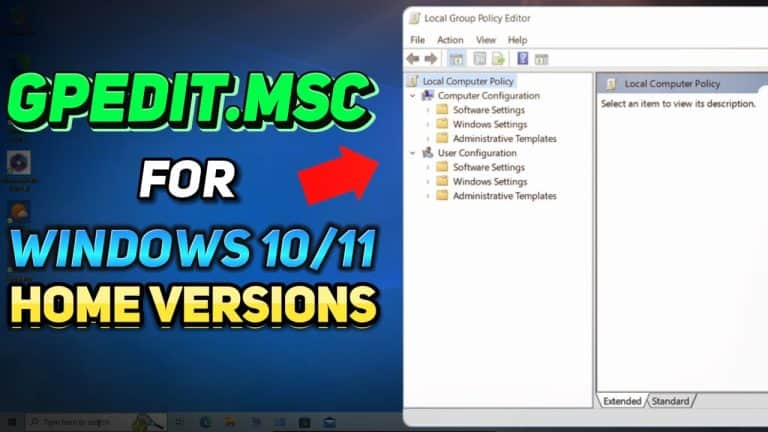
  • Installing Local Group Policy Editor in Windows 10/11 Home Editions using Policy Plus.
    Software & Apps

    How to Get Group Policy Editor on Windows 10/11 Home

    To get a Group Policy Editor on Windows 10 or 11 Home, download Policy Plus from GitHub — a free, open-source alternative to the built-in gpedit.msc that Microsoft restricts to…

    Read More How to Get Group Policy Editor on Windows 10/11 HomeContinue

  • Move the Windows 11 taskbar using Explorer Patcher.
    Windows Customization

    How to Move the Windows 11 Taskbar (ExplorerPatcher)

    To move the Windows 11 taskbar to the top, left, or right of the screen, install ExplorerPatcher from its official GitHub page, right-click the taskbar, open Properties, then set Primary…

    Read More How to Move the Windows 11 Taskbar (ExplorerPatcher)Continue

  • Activation of Windows Photo Viewer.
    Windows Customization

    How to Enable Windows Photo Viewer in Windows 10/11 Easily

    Windows Photo Viewer is still present in Windows 10 and 11 but hidden — Microsoft replaced it with the Photos app as the default image viewer. To bring it back,…

    Read More How to Enable Windows Photo Viewer in Windows 10/11 EasilyContinue

  • How to Download uTorrent for Free on Windows 10/11
    Tutorials (How to) Windows Applications

    How to Download uTorrent on Windows 10/11 Safely (2026 Guide)

    To download uTorrent safely on Windows 10 or 11, go directly to utorrent.com/downloads/win, choose either uTorrent Web (browser-based, lighter on bundled offers) or uTorrent Classic, run the installer, and crucially…

    Read More How to Download uTorrent on Windows 10/11 Safely (2026 Guide)Continue

  • Rufus Bootable USB Drive for Windows 11 Creation
    Windows Install & Setup

    How to Create a Bootable USB With Rufus (Windows 10/11)

    To create a bootable USB drive with Rufus, download Rufus from rufus.ie, plug in an 8 GB or larger USB flash drive, select your Windows 10 or Windows 11 ISO…

    Read More How to Create a Bootable USB With Rufus (Windows 10/11)Continue

  • Optimizing Windows 10 settings for enhanced gaming performance.
    Windows Optimization

    How to Optimize Windows 10 for Gaming (Full Guide)

    To optimize Windows 10 for gaming, create a restore point, set your monitor to its highest refresh rate, disable background and startup apps, debloat with Winhance, enable the Ultimate Performance…

    Read More How to Optimize Windows 10 for Gaming (Full Guide)Continue

  • Windows 10 to Windows 11 upgrade process using the Windows Update Assistant.
    Windows Install & Setup

    How to Upgrade Windows 10 to Windows 11 (2 Methods)

    To upgrade from Windows 10 to Windows 11 on supported hardware, download the Windows 11 Installation Assistant from Microsoft’s download page and run it — your files, apps, and settings…

    Read More How to Upgrade Windows 10 to Windows 11 (2 Methods)Continue

  • Tutorial on how to install drivers on Windows 10/11
    Drivers & Updates Tutorials (How to)

    How to Install Drivers on Windows 10 and 11 (4 Methods)

    To install drivers on Windows 10 or Windows 11, run Windows Update first and then check Settings > Windows Update > Advanced options > Optional updates > Driver updates for…

    Read More How to Install Drivers on Windows 10 and 11 (4 Methods)Continue

  • Screenshot showing "No Drives Detected" error during Windows installation
    Windows Install & Setup Windows Troubleshooting

    Fix “No Drives Detected” During Windows 10/11 Installation (5 Methods)

    To fix the “No drives were found” error during Windows 10 or 11 installation, the most common cause on 11th-gen and newer Intel laptops is the Intel VMD (Volume Management…

    Read More Fix “No Drives Detected” During Windows 10/11 Installation (5 Methods)Continue

Page navigation

Previous PagePrevious 1 … 19 20 21 22 23 … 25 Next PageNext

memstechtips

Windows tutorials, tools, and honest reviews from a decade of PC repair and end-user support.

Site

Home Blog About Contact Privacy Policy Disclaimer

Projects

Winhance UnattendedWinstall GitHub Support on Ko-fi
YouTube Discord Github X Facebook Instagram TikTok

© 2026 Memory's Tech Tips - WordPress Theme by Kadence WP

  • Home
  • Guides
    • Windows Customization
    • Windows Install & Setup
    • Windows Troubleshooting
    • Windows Optimization
    • Software & Apps
    • Hardware & Diagnostics
  • Projects
    • Winhance
    • UnattendedWinstall
  • About
  • Contact
Search